How to Build a Multilingual TTS Pipeline: A Developer's Guide for 2026
TLDR
A multilingual TTS pipeline routes text to the right voice model for each language, validates the output automatically, locks model versions so updates don't break your audio, and handles failover when a provider goes down. Building this from scratch takes months. The gap isn't generation. It's orchestration, consistency, and validation across every locale you ship.
What a Multilingual TTS Pipeline Actually Is
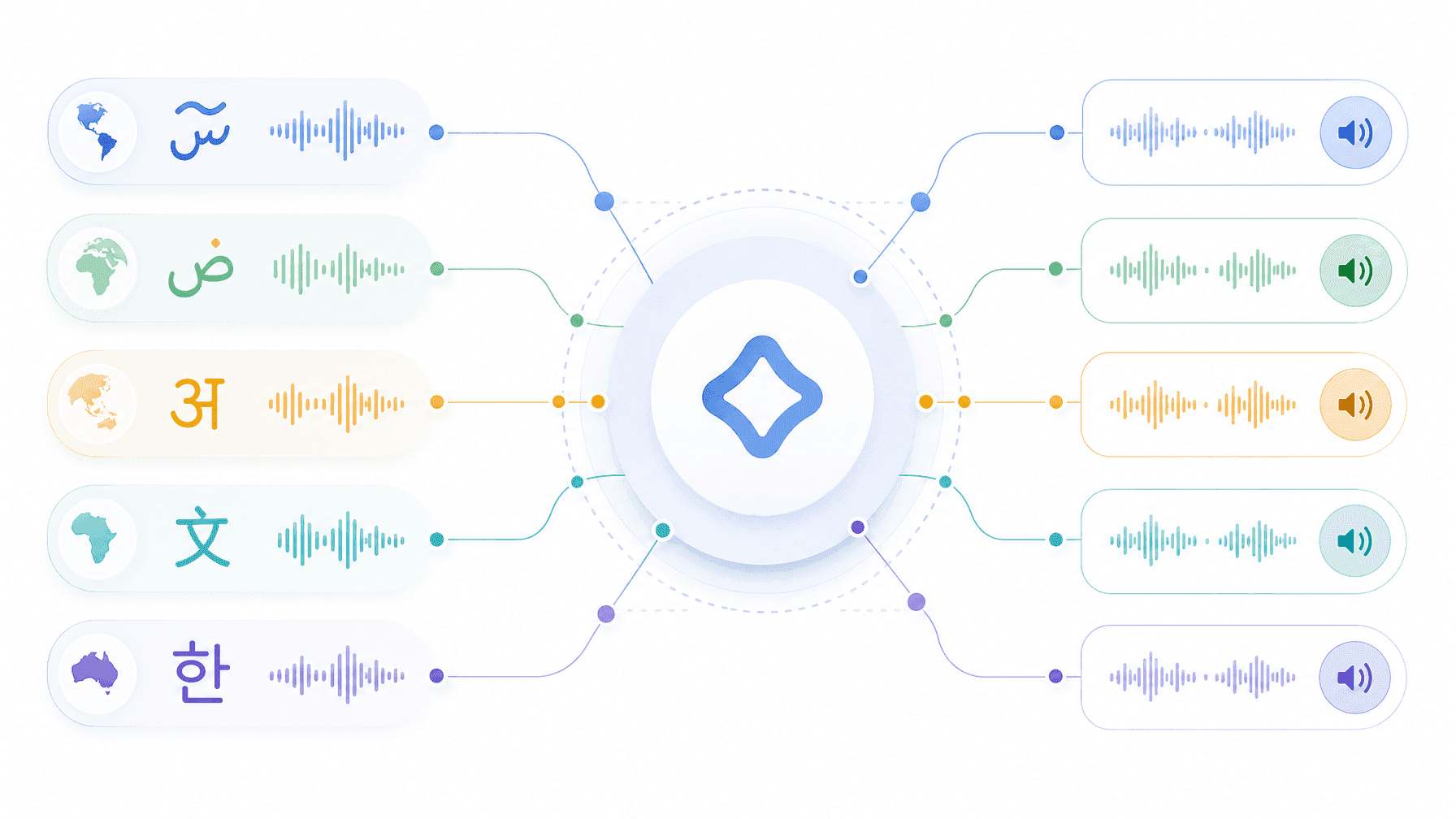
A multilingual TTS pipeline converts text into speech across two or more languages within a single automated workflow. It handles model routing, voice selection, output validation, and delivery, without a human in the loop for each language.
Most developers treat multilingual TTS as a simple API problem: send text with a language code, get audio back. That works at demo scale. At production scale (10 languages, 50,000 clips, regular model updates from providers), it breaks in four specific ways:
- The model that performs well in English performs poorly in Korean or Portuguese
- Voice consistency breaks across locales because different providers handle different languages
- Output quality degrades silently after a model update you didn't request
- There's no automated way to validate audio correctness when your team doesn't speak every target language
A real multilingual TTS pipeline solves all four. Here's how to build one.
Step 1: Model Selection Per Language and Locale
No single TTS provider leads across all languages. ElevenLabs leads on expressiveness in European languages but coverage and quality drop in Southeast Asian and Indic locales. Deepgram Aura-2 is optimized for low-latency English voice agents. Cartesia Sonic delivers sub-100ms latency but supports fewer languages than the field leaders. Google Cloud TTS and Microsoft Azure TTS have the broadest raw language coverage but often trail on naturalness for high-expressiveness use cases.
The practical move: benchmark your target language list against at least three providers using a consistent test script. Score on pronunciation accuracy, naturalness, and prosody. Select the best model per language, not the best model overall.
Your routing table looks like this:
en-US→ Provider A, Model Xja-JP→ Provider B, Model Ypt-BR→ Provider C, Model Z
Store this as a versioned config, not hardcoded logic. Every time a provider releases a new model or changes an existing one, you update the config, not the application code. This separation is what makes the pipeline maintainable at scale. Check out the full TTS API developer guide for a broader treatment of API integration patterns.
Step 2: Language Detection and Routing
If you control the input, language is known at request time. If users supply text (chatbots, voice assistants, dynamic content platforms), you need automatic language detection upstream of the TTS call.
The standard approach: run language detection (e.g. using a lightweight LID model or a cloud API) before the TTS request, then pass the detected locale to your routing table. Handle edge cases explicitly:
- Code-switching (text that mixes two languages mid-sentence): most models fail on this; either split the sentence or route to a model with native code-switching support
- Ambiguous scripts (e.g. Serbian uses both Cyrillic and Latin): resolve at the locale level, not just the language level
- Unsupported locales: define a fallback locale per language family rather than silently failing
Explicit fallback logic in the router prevents silent failures. A request that routes to an unsupported locale and gets an empty audio file looks like a successful API call until someone listens to the output.
Step 3: Voice Consistency Across Locales
Brand voice consistency is the hardest multilingual problem most developers underestimate. Your English voice has a tone, pacing, and character. That character needs to translate across every locale, but different providers have different voice models, and no two sound identical.
Two approaches:
Single-provider strategy: Use one provider for all locales and accept quality tradeoffs in non-primary languages. Easier to manage. Worse output in coverage-gap languages.
Multi-provider with reference profiling: Define a reference audio profile (target pitch range, pace, energy) for your brand voice. Score each candidate voice across providers against this profile. Select the closest match per locale. For localization teams managing large content volumes, this approach is covered in depth in the multilingual TTS production guide for localization teams.
The multi-provider approach produces higher quality but creates a new operational problem: you now have production dependencies on three or four different providers simultaneously.
Step 4: Output Validation Without Native Speakers
This is where most multilingual pipelines have a blind spot. You can listen to English output and catch problems. You cannot reliably review Japanese, Arabic, or Hungarian output without native speakers, and you can't put a native speaker in the loop for 10,000 clips per week.
Automated validation covers four checks:
- Pronunciation accuracy: Run an STT pass on the generated audio in the target language. Compare the transcript against the source text. A match rate below your defined threshold flags the clip for review.
- Format compliance: Validate sample rate, bit depth, codec, silence handling, and loudness normalization against your delivery spec. A clip that passes quality review but fails format compliance is still unshippable.
- Acoustic consistency: Score pitch, energy, and pace against your reference profile. Clips that drift outside your defined range get flagged, not silently shipped.
- Model version verification: Confirm the output was generated by the exact model version specified in your routing config, not a silently updated version from the provider.
Automated validation scales. Human review of outliers doesn't replace it. It supplements it for edge cases. See the TTS quality validation production checklist for the full five-dimension framework.
Step 5: Model Version Locking and Failover
TTS providers update their models without warning. A model update that improves English naturalness can break your validated Korean voice profile. Without version locking, every provider update is a potential regression.
Version locking means: pin the exact model version in your routing config and do not accept updates automatically. When a provider releases a new version, validate it against your reference profiles in a staging environment before promoting it to production.
Failover means: for every language in your routing table, define a secondary provider. When the primary provider returns an error, hits a rate limit, or degrades below your quality threshold, the pipeline automatically routes to the secondary. Your delivery SLA survives provider downtime.
Both require infrastructure above the TTS API layer: a config management system, a quality scoring layer, and a routing engine that can act on scores in real time.
Where Onepin Fits
Building the five-step pipeline above from scratch means maintaining routing configs, building a validation layer, writing provider failover logic, and managing version locks across every language you support. That's three to six months of engineering work before you ship the first validated clip.
Onepin is the orchestration and validation layer that runs on top of 100+ TTS models. It handles model routing per language, automated quality scoring, format compliance checks, model version locking, and failover routing, out of the box. You send text; Onepin routes to the right model, validates the output, retries on failure, and returns publish-ready audio.
For teams shipping multilingual voice at production scale, Onepin replaces the pipeline you'd otherwise build and maintain yourself.
Start With Your Language Matrix
Map your target locales. For each one: identify the best available TTS model, set a quality baseline, define your fallback provider, and document your format compliance spec. That's the foundation every robust multilingual TTS pipeline runs on.
When you're ready to stop maintaining that infrastructure and start shipping audio, Onepin handles the rest.
Frequently asked questions
- What is a multilingual TTS pipeline?
- It converts text into speech across two or more languages within a single automated workflow, handling model routing, voice selection, output validation, and delivery without a human in the loop for each language. Treating it as a simple send-a-language-code API works at demo scale but breaks at production scale.
- How should you select models per language?
- No single provider leads across all languages, so benchmark your target language list against at least three providers using a consistent test script, scoring pronunciation accuracy, naturalness, and prosody. Select the best model per language and store the routing table as a versioned config rather than hardcoded logic.
- How do you validate output without native speakers?
- Automated validation covers four checks: an STT pass comparing the transcript against the source text for pronunciation accuracy, format compliance against your delivery spec, acoustic consistency scored against a reference profile, and model version verification. Human review of outliers supplements automation rather than replacing it.
- Why do version locking and failover matter?
- Providers update models without warning, and an update that improves one language can break a validated profile in another, so pinning the exact version and validating updates in staging prevents silent regressions. Failover defines a secondary provider per language so the pipeline reroutes automatically when the primary errors, rate-limits, or degrades.
- What does Onepin provide for multilingual pipelines?
- Onepin is the orchestration and validation layer on top of 100+ TTS models, handling per-language routing, automated quality scoring, format compliance checks, model version locking, and failover out of the box. You send text and it routes, validates, retries on failure, and returns publish-ready audio.