How to Build a Production Voice Pipeline with Python and Onepin
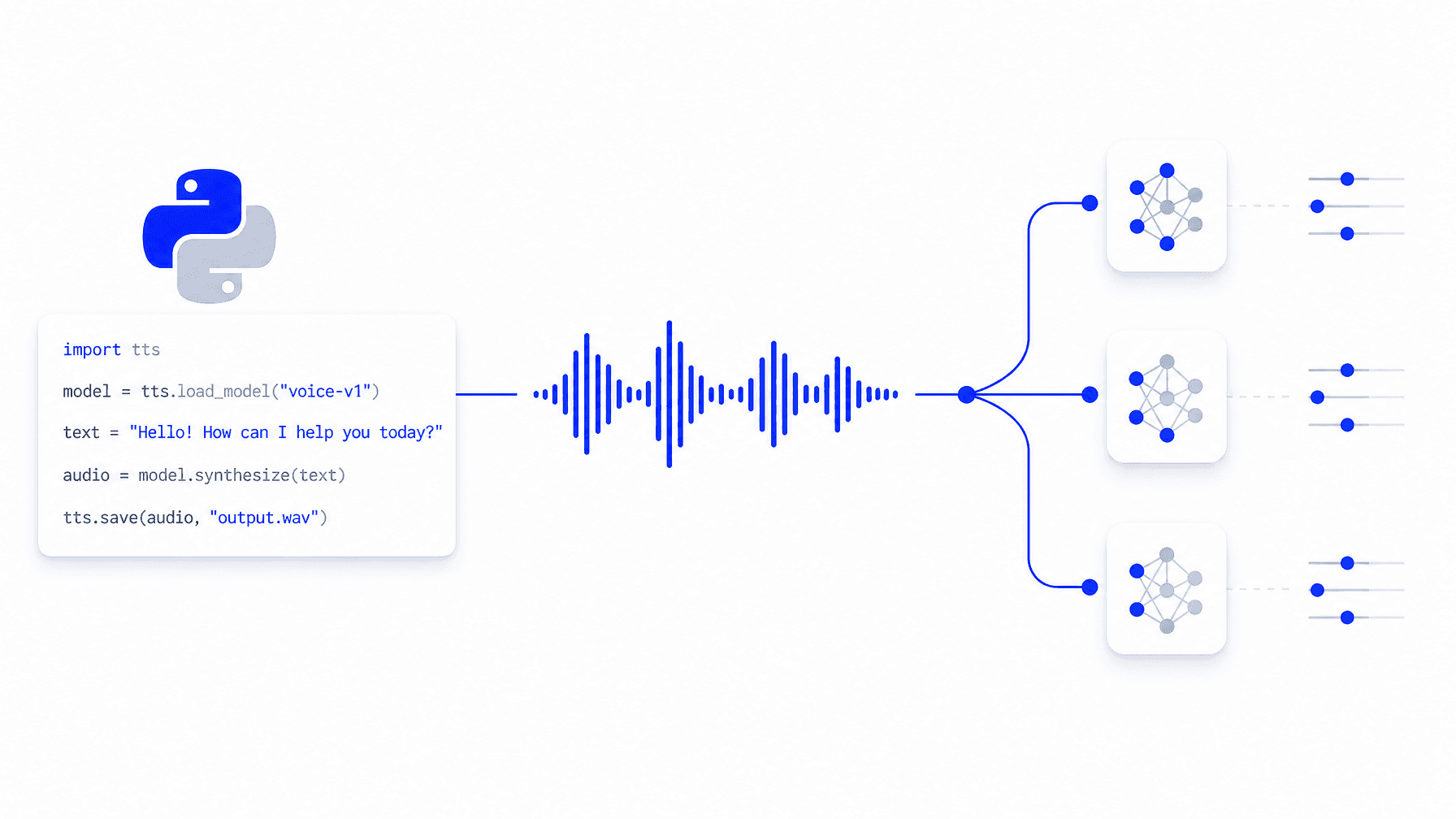
The Onepin Python SDK is a client library that connects your Python application to the Onepin voice production platform, letting you run TTS workflows, validate audio output, and download publish-ready files programmatically. It wraps the full Onepin API (workflow execution, run status, output retrieval, and error handling) in a typed Python interface.
Why Raw TTS API Calls Break at Scale
Direct requests to providers like ElevenLabs, Deepgram, or Cartesia break at production volume for the same reasons every time: no output validation, no retry logic, no fallback routing, and no audit trail per clip. Building that infrastructure yourself means maintaining a retry state machine, a validation harness, and multiple provider SDK wrappers in parallel with your actual product. Onepin handles all of it. The SDK gives you a single integration point across 100+ TTS models, built on top of the orchestration layer that makes voice production reliable.
Install and Authenticate
pip install onepin
export ONEPIN_API_KEY=sk-...
import onepin
client = onepin.Onepin()
Run a Workflow
run = client.workflows.run("<workflow_id>", (watch = True));
print(run.status);
Download Output
if run.status == "completed":
    client.workflows.runs.download(run_id=run.id, output_path="output.wav")
The downloaded file passes Onepin's full validation spec before it reaches your filesystem. Failed clips trigger automatic retry. You only see the final result. Read the Onepin documentation to configure routing policies, quality thresholds, and fallback models for your first production voice pipeline.
Frequently asked questions
- What is the Onepin Python SDK?
- It is a client library that connects your Python application to the Onepin voice production platform, letting you run TTS workflows, validate audio output, and download publish-ready files programmatically. It wraps the full Onepin API, including workflow execution, run status, output retrieval, and error handling, in a typed Python interface.
- Why do raw TTS API calls break at production scale?
- The post explains that direct requests to providers like ElevenLabs, Deepgram, or Cartesia lack output validation, retry logic, fallback routing, and a per-clip audit trail. Building that yourself means maintaining a retry state machine, a validation harness, and multiple provider SDK wrappers alongside your actual product.
- How do you install and authenticate the Onepin Python SDK?
- You install it with pip install onepin, set your key with the ONEPIN_API_KEY environment variable, then import onepin and create a client with onepin.Onepin(). From there you can run workflows and download output.
- What happens to audio quality when you download output through the SDK?
- The downloaded file passes Onepin's full validation spec before it reaches your filesystem, and failed clips trigger automatic retry so you only see the final result. The SDK gives you a single integration point across 100+ TTS models built on the orchestration layer.